

Windows 11 Optimization Guide: Maximizing VPN Speed & Security
 Sharon
  2026.07.29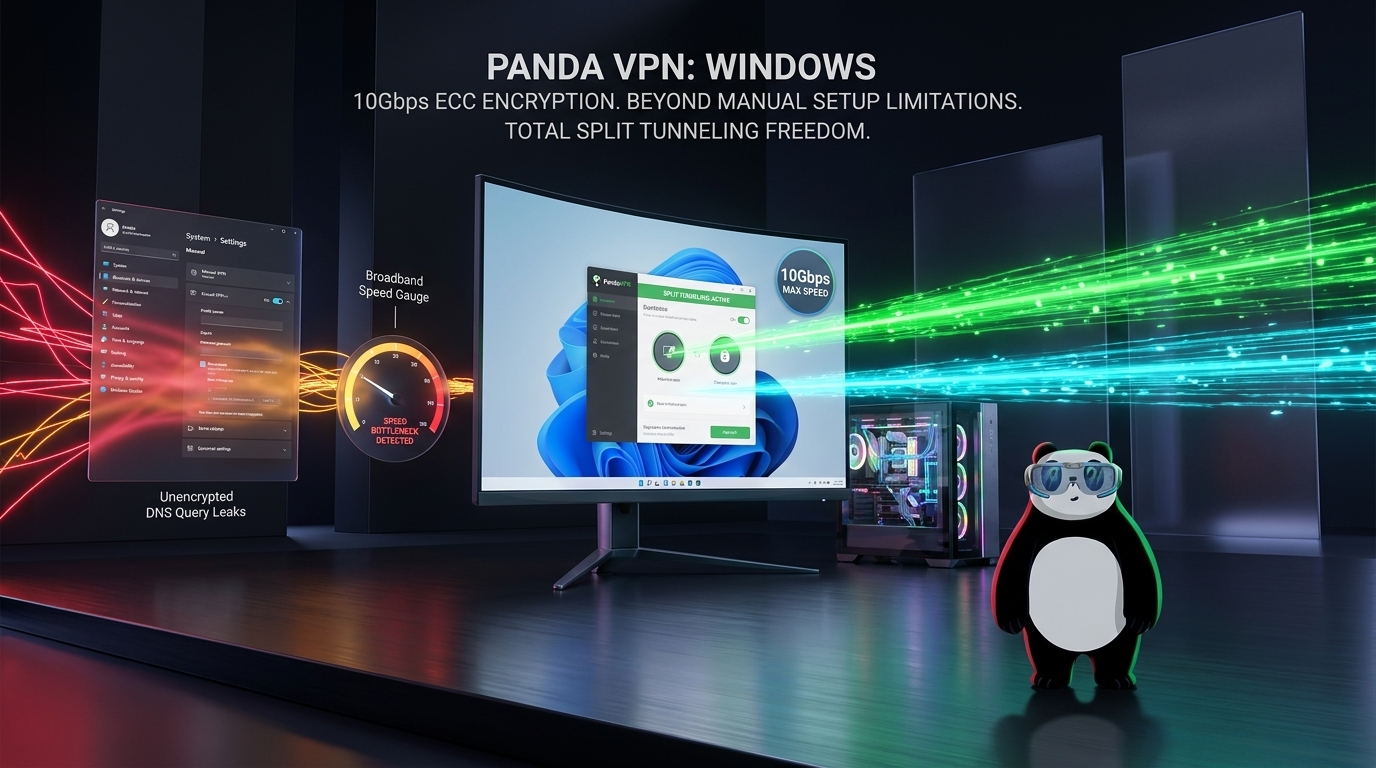
While Windows 11 includes advanced native security layers, connecting directly to the internet still exposes your real IP address and unencrypted data traffic.
Using a virtual private network secures your digital footprint, but users often run into issues like connection throttling, higher latency, or hidden DNS leaks. Properly adjusting your settings balances absolute privacy with maximum broadband throughput on Windows 11.

The Technical Reality: App Clients vs. Windows Manual Setup
Before configuring your connection, it helps to understand the performance differences between automated software and manual Windows configurations.
Manual Windows 11 VPN Configurations
Windows 11 allows users to manually set up network profiles in the System Settings, but this method relies on legacy protocols like IKEv2, L2TP, or SSTP.
-
The Downside: It lacks native support for lightweight protocols, requiring tedious configuration of servers and authentication keys.
-
The Performance Bottleneck: Windows natively handles DNS queries across multiple network adapters simultaneously through a feature called Smart Multi-Homed Name Resolution. A manual setup often allows requests to bypass the encrypted tunnel, leading to severe DNS leaks. It also lacks an integrated Kill Switch, leaving data fully exposed during temporary drops.
Native Optimized Clients
Installing an engineered Windows application automates driver handling and table routing to maximize efficiency.
-
The Speed Advantage: Designed clients take advantage of streamlined system drivers to run at your ISP’s physical bandwidth limit.
-
All-In-One Security: Dedicated clients feature built-in security patches, deep DNS leak protection, a responsive Kill Switch, and granular application routing.
4 Advanced Optimizations for Your Windows 11 VPN
For optimal stability and speed, deploying a streamlined tool is highly recommended. Below is the setup and tuning process using PandaVPN for Windows.
1. Secure the Authenticated App Package
Always acquire your installation files from verified channels to avoid modified malware. You can download the authenticated setup file from the Official PandaVPN Windows Download Page. During setup, allow User Account Control (UAC) to install the necessary virtual network drivers required to build a secure cryptographic tunnel.
2. Run at Broadband Limits with Advanced ECC Encryption
Windows 11 is highly responsive to network protocol overhead. PandaVPN uses Highest-level ECC (Elliptic Curve Cryptography) encryption to shield your online data without draining CPU resources.
+-------------------------------------------------------------------+
|                   PANDAVPN WINDOWS ARCHITECTURE                   |
+-------------------------------------------------------------------+
|  [ECC Encryption Engine] ---> [Strict No-Logs Auditing]           |
|  [6000+ Global Servers]  ---> [Unlimited Bandwidth / Zero Caps]    |
+-------------------------------------------------------------------+
By tapping into a vast infrastructure of 6000+ ultra-fast global servers with unlimited bandwidth, users bypass regional geo-blocking for high-speed streaming and gaming.
3. Implement Split Tunneling for Seamless Traffic Routing
Enabling global encryption can sometimes slow down local connections or trigger security alerts on domestic office intranets and local banking tools.
-
The Solution: Open the application settings and configure Split Tunneling. This option lets you choose exactly which programs route through the encrypted tunnel (like web browsers) and which applications connect directly via your local ISP (like local games or downloading utilities). This setup protects your private data without adding unnecessary ping to local activities.
4. Lock Down Privacy with a Kill Switch & Zero-Logs Compliance
Windows 11 goes through brief reconnection periods when waking up from sleep mode or swapping between Wi-Fi and an Ethernet cable.
-
The Solution: Enable the built-in Kill Switch to automatically block all web traffic if the connection drops, ensuring no unencrypted packets leave your machine. Combined with a strict Zero-Logs Policy that never monitors, stores, or logs your browsing history, your digital identity remains completely private.
Conclusion
A generic or poorly optimized network utility can compromise your connection and slow down your machine. True privacy on Windows 11 demands an application that works hand-in-hand with the operating system’s architecture. By deploying PandaVPN, you protect your PC with elite ECC encryption, automated leak defenses, and global server routing designed for peak internet speeds.

Related Posts


Featured Posts