

Why Do Online Games Experience Lag Spikes and Packet Loss? Here’s How to Fix Them
 Sharon
  2026.10.08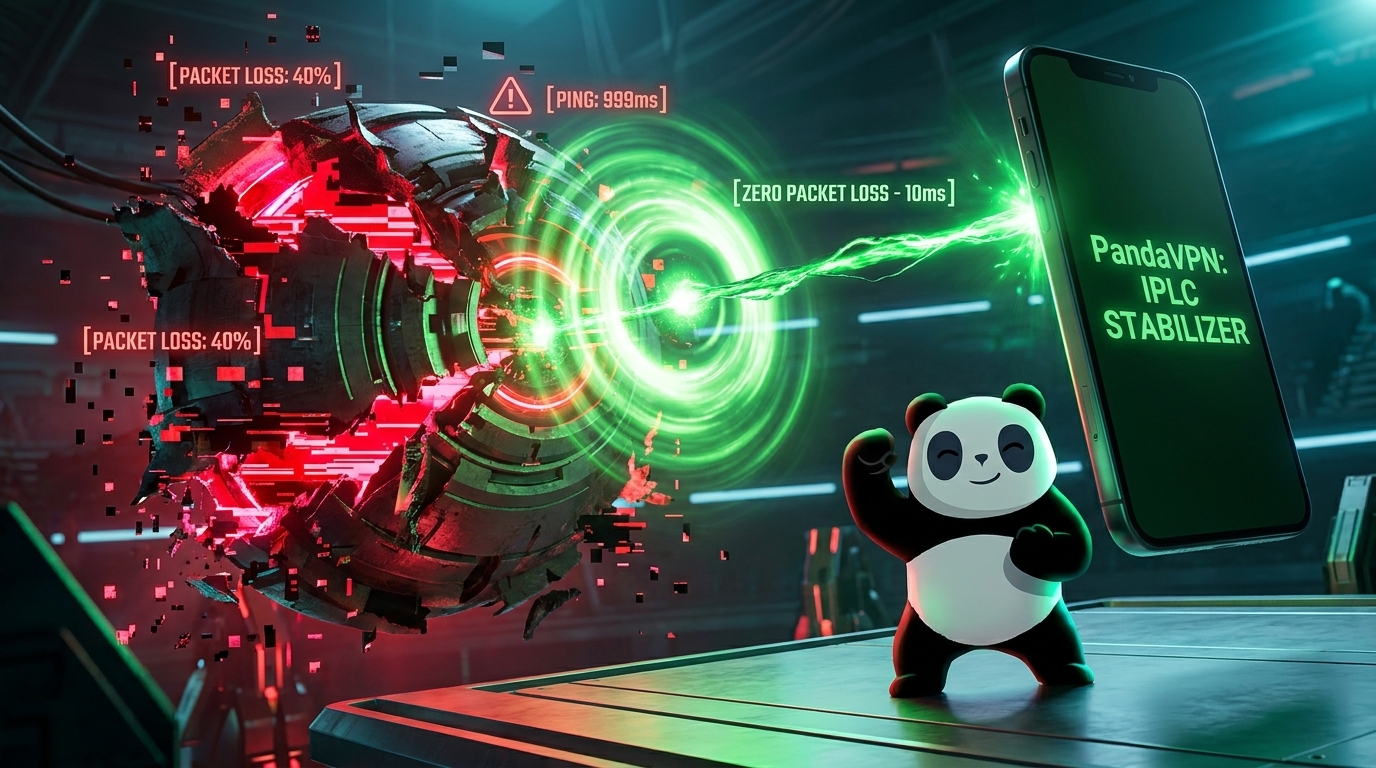
Few things are more frustrating than being in the middle of a competitive match when your character suddenly freezes, your controls become unresponsive, or you are unexpectedly disconnected from the server.
Lag spikes, high Ping, jitter, and packet loss can turn a smooth gaming session into a frustrating experience. While your home internet connection may seem fast enough, download speed is only one part of gaming performance. The route your data takes to the game server can be just as important.
So, why does gaming lag happen, and can a VPN help reduce network fluctuations and packet loss?
The answer depends on the cause. When instability comes from congested or inefficient network routes, a VPN with optimized infrastructure can provide an alternative path that may deliver a more stable connection.
With patented acceleration technology, IPLC dedicated lines, high-speed servers, and global network coverage, PandaVPN is designed to help gamers optimize their connection to servers around the world.

What Are Lag Spikes and Packet Loss?
Before fixing gaming network problems, it helps to understand what is actually happening between your device and the game server.
What Causes Lag Spikes?
Ping measures the round-trip time for data to travel between your device and the game server, usually measured in milliseconds (ms).
A low and stable Ping generally means your commands can reach the server quickly. When Ping suddenly jumps from, for example, 40 ms to 200 ms or higher, you may experience a lag spike.
During a lag spike, your character may freeze, move backward, or suddenly appear in a different position. In competitive games, even a short period of high latency can make it difficult to react in time.
Lag spikes can be caused by network congestion, unstable Wi-Fi, ISP routing issues, long-distance connections, or overloaded network infrastructure.
What Is Packet Loss?
Online games continuously exchange small pieces of information between your device and the game server. These pieces of data are known as packets.
When some packets fail to reach their destination, you experience packet loss.
Packet loss can cause symptoms such as:
- Characters suddenly teleporting or “rubber-banding”
- Delayed or missing inputs
- Frozen game screens
- Voice chat interruptions
- Sudden disconnects
Unlike Ping, which measures how long data takes to travel, packet loss measures whether the data successfully reaches its destination.
Both problems can significantly affect real-time gaming.
Why Does Your Game Connection Become Unstable?
There isn’t always a single reason for gaming lag. Several network factors can contribute to unstable gameplay.
1. Inefficient ISP Routing
Your Internet Service Provider (ISP) determines how your traffic travels across the internet.
The route selected by your ISP isn’t necessarily the shortest or least congested path to your game’s server. Your data may pass through multiple network nodes or congested exchanges before reaching its destination.
This becomes particularly noticeable when playing on overseas or cross-region game servers.
For example, a player in Asia connecting to a game server in North America may experience higher latency if the ISP’s international route is congested or inefficient.
2. Network Congestion
Internet traffic fluctuates throughout the day.
During peak hours, shared network infrastructure can become heavily loaded. When network capacity is limited, latency and jitter can increase, while packet loss may become more frequent.
This is why your game can sometimes run perfectly in the afternoon but become unstable in the evening—even when your internet plan and hardware haven’t changed.
3. Wi-Fi Interference
Not every gaming connection problem comes from your ISP.
Wi-Fi networks can experience interference from other wireless devices, physical obstacles, neighboring networks, or too many connected devices.
Someone streaming 4K video, downloading large files, or backing up data to the cloud can also consume network resources and affect gaming performance.
For competitive gaming, a wired Ethernet connection is usually preferable whenever possible.
4. Long-Distance Game Servers
Physical distance matters.
The farther your device is from the game server, the longer your data generally needs to travel. This creates a natural limit on how low your Ping can be.
A VPN cannot eliminate the impact of physical distance. However, choosing an appropriate VPN server and optimized route can sometimes help avoid inefficient paths between your ISP and the game’s server.
5. ISP Traffic Management
Some networks may experience congestion or apply traffic-management policies during periods of heavy usage.
If your gaming traffic is traveling through a congested route, you may notice inconsistent latency or sudden Ping spikes.
A VPN changes the path between your device and the internet, which can sometimes help when the problem is related to the ISP’s normal routing.
How Can PandaVPN Help Reduce Gaming Lag?
A VPN isn’t a magic solution for every gaming problem. If your router is malfunctioning, your Wi-Fi signal is weak, or the game server itself is overloaded, a VPN may not solve the issue.
However, when unstable gaming performance is caused by inefficient routing or congested international connections, PandaVPN can provide an alternative route designed for better network performance.
Patented Acceleration Technology
PandaVPN uses patented acceleration technology to optimize network transmission and improve the efficiency of data routing.
Instead of relying entirely on your ISP’s default route, PandaVPN can provide alternative routing options that may be more suitable for cross-region connections.
This can be particularly useful when the normal route between your ISP and the game server experiences congestion or unnecessary network hops.
The result can be a more stable Ping and fewer route-related latency fluctuations, depending on your location and the target game server.
IPLC Dedicated Lines for Stable Cross-Border Connections
One of PandaVPN’s key network technologies is IPLC (International Private Leased Circuit).
IPLC provides dedicated international network connectivity rather than relying exclusively on congested public internet routes.
For gamers who connect to overseas servers, this can be especially valuable. By using dedicated network infrastructure, PandaVPN aims to reduce the impact of public-route congestion and provide a more consistent international connection.
In practical terms, IPLC can help provide a more reliable route for gaming traffic traveling across regions.
High-Speed Infrastructure Up to 10Gbps
Gaming doesn’t require enormous bandwidth compared with activities such as 4K video streaming. However, sufficient network capacity can help reduce congestion and maintain overall connection quality.
PandaVPN offers high-speed server infrastructure with bandwidth of up to 10Gbps, providing the capacity needed to support high-performance network connections.
PandaVPN also provides unlimited traffic without artificial data caps, so extended gaming sessions aren’t restricted by a fixed VPN data allowance.
6,000+ Servers Across 224 Locations in 100 Countries
Server selection is another important factor when optimizing gaming latency.
PandaVPN provides 6,000+ servers across 224 locations in 100 countries, giving gamers access to a broad range of regional connection points.
If you’re connecting to a game server in Japan, for example, you can test a nearby PandaVPN location rather than routing your traffic through a distant continent.
However, the closest server isn’t always the fastest. Network conditions vary, so testing several nearby locations is the best way to determine which route provides the lowest and most stable Ping for your specific connection.
Multiple Protocol Options
Different networks can perform differently depending on the VPN protocol being used.
PandaVPN supports modern VPN protocols and connection modes, giving users additional flexibility when optimizing their connection.
Depending on your network conditions and device, switching between available protocols can sometimes help improve connection stability or performance.
Can a VPN Completely Eliminate Packet Loss?
No VPN can guarantee zero packet loss.
Packet loss can occur for many reasons, including problems with your home network, Wi-Fi interference, ISP infrastructure, overloaded routers, or issues on the game server itself.
What a VPN can do is provide an alternative network route.
If packet loss is occurring somewhere along your ISP’s normal route to the game server, switching to a different route through PandaVPN may reduce the problem.
PandaVPN’s IPLC infrastructure and acceleration technology are designed to provide more optimized routing options, which can help improve stability for certain cross-region connections.
The key is to identify where the packet loss is occurring. If the problem exists inside your home network, changing VPN servers may not make a difference.
How to Reduce Lag and Packet Loss While Gaming
Using PandaVPN is only one part of improving your gaming connection. For the best results, combine VPN optimization with basic network troubleshooting.
First, use Ethernet instead of Wi-Fi whenever possible. A wired connection can eliminate many wireless interference issues.
Next, close applications that consume significant bandwidth, such as large downloads, cloud synchronization, and high-resolution video streaming.
Then, check your game’s server region. Connecting to a geographically closer server will generally provide lower baseline latency than connecting to a distant region.
Finally, test different PandaVPN locations and compare your Ping, jitter, and packet loss before and after connecting.
Don’t choose a server simply because it appears geographically closest. The most important factor is the actual performance of the route between your device, the VPN server, and the game server.
How to Use PandaVPN for Gaming
Getting started is simple.
Step 1: Download PandaVPN
Install PandaVPN on your gaming device.
PandaVPN supports major platforms including Windows, macOS, iOS, Android, Linux, and Android TV, allowing you to optimize connections across different devices.
Step 2: Identify Your Game Server
Find out which region your game uses.
If your game server is located in Japan, for example, start by testing Japan or nearby Asia-Pacific VPN locations.
Step 3: Connect to an Optimized Server
Open PandaVPN and select a suitable server.
If your Ping doesn’t improve, try another nearby location. Different VPN servers can use different network routes, so performance may vary.
Step 4: Compare Your Connection
Launch your game and compare the connection with and without PandaVPN.
Pay attention to more than just average Ping. Look for:
Lower Ping + lower jitter + fewer packet-loss events = a more stable gaming connection.
If a particular PandaVPN server produces a better result, keep using that location for your game.
What If PandaVPN Increases My Ping?
This is possible—and it is important to understand why.
A VPN adds an additional server between your device and the game server. If your ISP already provides a direct, uncongested route, connecting through a VPN server may add extra distance or network hops and increase latency.
VPN performance can also vary based on:
- Your physical location
- The location of the game server
- VPN server location
- Current network congestion
- ISP routing
- VPN protocol
- Local Wi-Fi or broadband conditions
That’s why PandaVPN should be used as a routing optimization tool, not as a guarantee of lower Ping in every situation.
The best approach is simple: test different routes and keep the one that provides the most stable performance.
Why Choose PandaVPN for Gaming?
For gamers dealing with high Ping, unstable international routes, or connection fluctuations, PandaVPN provides several technologies designed to improve the overall network experience:
Patented Acceleration Technology helps optimize data transmission and routing.
IPLC Dedicated Lines provide dedicated international connectivity designed to reduce dependence on congested public routes.
6,000+ Servers in 224 Locations Across 100 Countries provide a wide range of connection options for regional and cross-border gaming.
Up to 10Gbps Server Infrastructure provides high network capacity for demanding online environments.
Multiple Protocol Options give users flexibility to find a connection mode suitable for their network.
Multi-Platform Support allows you to use PandaVPN across Windows, macOS, iOS, Android, Linux, and Android TV.
Final Thoughts
Gaming lag isn’t always caused by slow internet.
Your connection can have plenty of bandwidth and still suffer from high Ping, jitter, lag spikes, and packet loss because of inefficient routing, network congestion, Wi-Fi interference, or long-distance connections.
A VPN can’t fix every network problem, but it can provide an alternative route when your ISP’s default path isn’t performing well.
With patented acceleration technology, IPLC dedicated lines, high-speed infrastructure up to 10Gbps, and 6,000+ servers across 224 locations in 100 countries, PandaVPN gives gamers more options for optimizing cross-region connections.
If you’re tired of sudden Ping spikes and unstable gameplay, try different PandaVPN server locations and compare the results. The right route can make a significant difference to how stable your gaming connection feels.

Related Posts



Featured Posts