

How to Play Global Server Games Without Lag: A PandaVPN Guide
 Sharon
  2026.10.10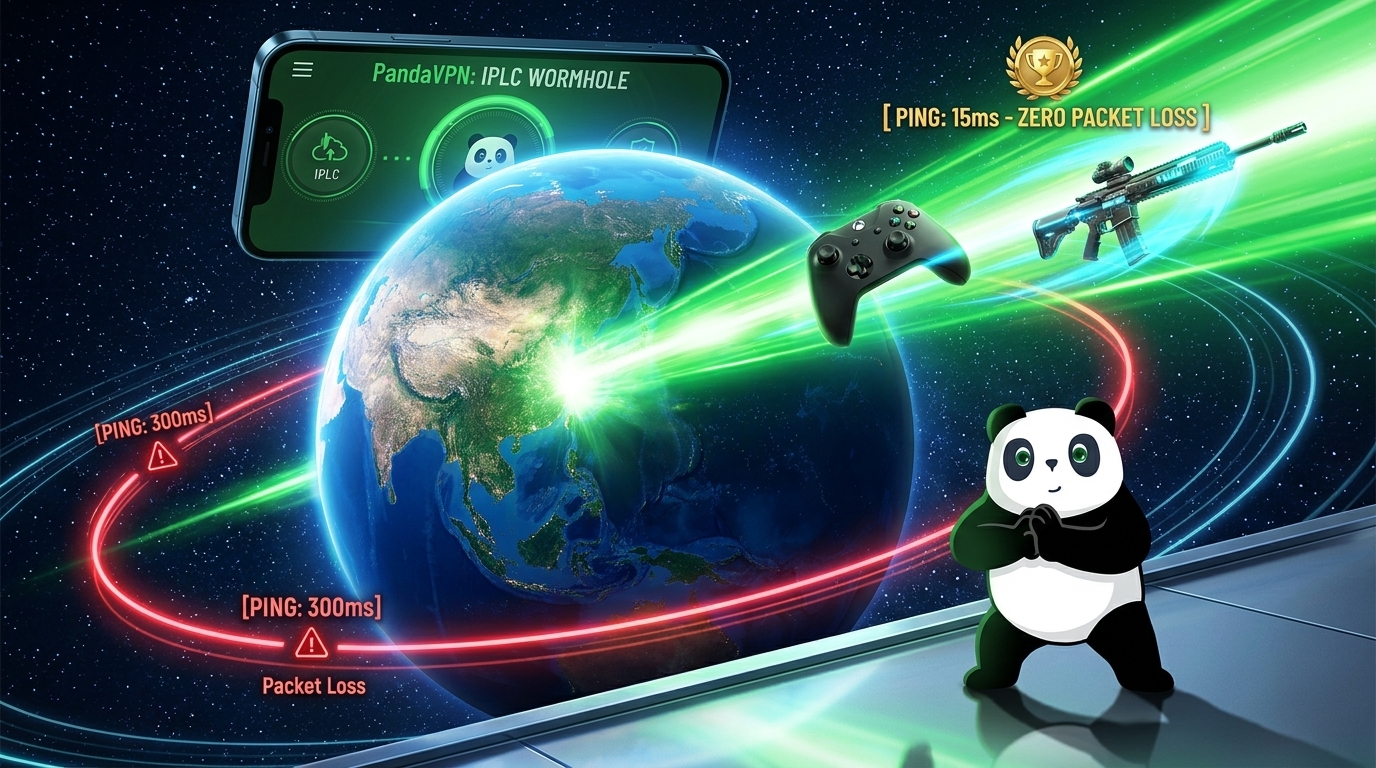
Want to play games on international servers but keep running into high Ping, lag spikes, or unstable connections?
Whether you’re playing Valorant on Asian servers, joining global experiences in Roblox, or connecting to an MMO server in another region, cross-region gaming can be challenging. The farther your traffic has to travel, the more likely it is to encounter congested routes, network instability, or inefficient ISP routing.
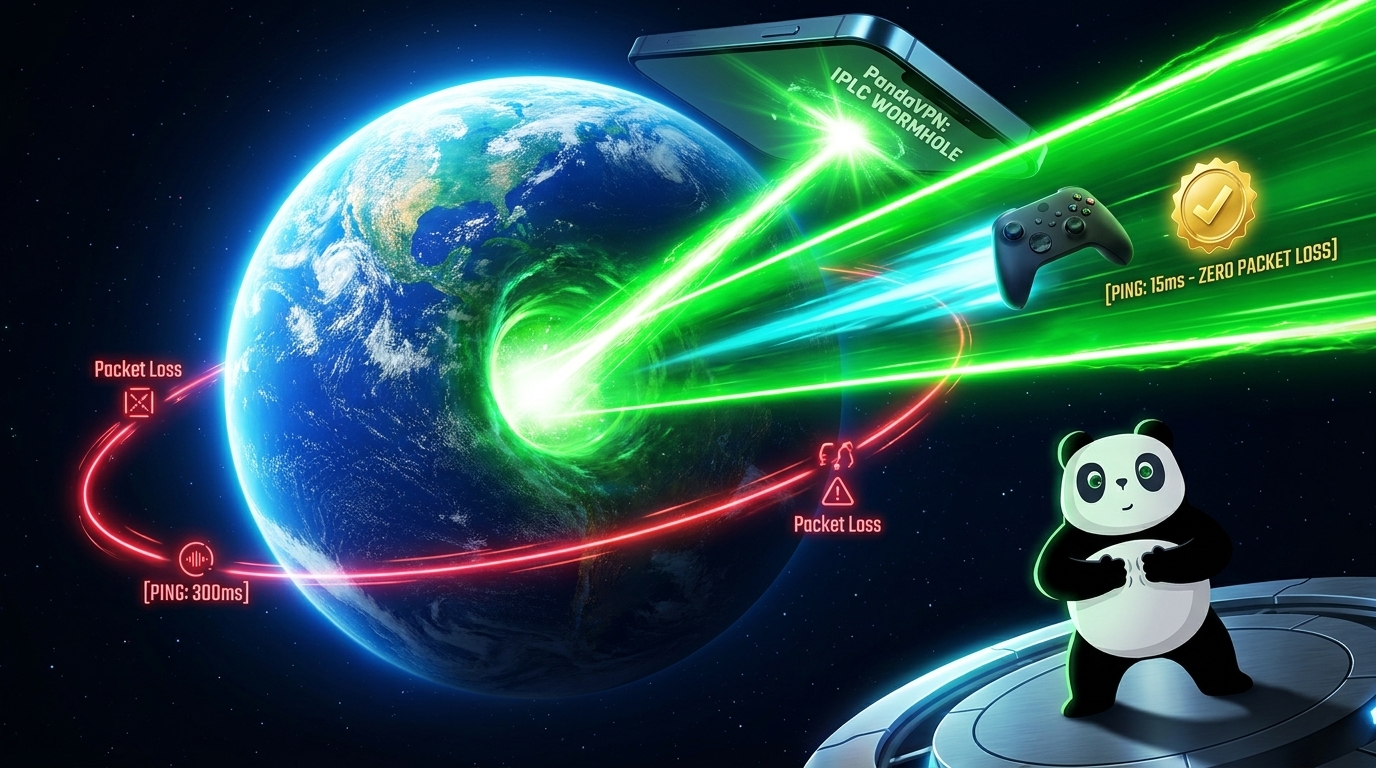
A gaming VPN can’t eliminate the physical distance between you and a game server, but it can provide an alternative network route. When your ISP’s normal route is congested or inefficient, an optimized VPN connection may help improve latency and connection stability.
With IPLC dedicated lines, patented acceleration technology, 6,000+ servers across 224 locations in 100 countries, and high-speed infrastructure up to 10Gbps, PandaVPN gives gamers more options for optimizing international connections.
Here’s how to use PandaVPN to set up a more stable connection for global server gaming.

Why Use PandaVPN for International Gaming?
A VPN is more than a tool for changing your IP address. For cross-region gaming, the quality of the network infrastructure and routing can have a significant impact on your experience.
IPLC Dedicated Lines for Cross-Region Connections
One of PandaVPN‘s key technologies is IPLC (International Private Leased Circuit).
When your gaming traffic crosses international networks, it may normally travel through multiple public transit networks and potentially congested routes. PandaVPN’s IPLC infrastructure is designed to provide more controlled international connectivity and reduce dependence on congested public routes.
This can be particularly useful when your normal ISP route to an overseas game server is unstable or inefficient.
Patented Acceleration Technology
PandaVPN also uses patented acceleration technology to optimize network traffic and provide alternative routing options.
If your ISP’s default route is experiencing congestion or unnecessary detours, an optimized PandaVPN route may provide a more efficient path to the target gaming region.
Performance depends on your location, ISP, VPN server, and game server, so it’s always a good idea to test different locations and compare the results.
6,000+ Servers Across 224 Locations in 100 Countries
Server location is an important factor when playing international games.
PandaVPN provides 6,000+ servers across 224 locations in 100 countries, giving you a wide range of locations to test.
For example, if you’re connecting to a Japanese game server, you can start by testing a Japan-based PandaVPN location. For a North American server, try suitable locations in the US or Canada.
Keep in mind that the closest VPN server isn’t necessarily the fastest. The quality of the complete route matters more than geographic distance alone.
High-Speed Infrastructure Up to 10Gbps
High bandwidth doesn’t automatically mean lower Ping, but network capacity can influence overall connection performance.
PandaVPN provides server infrastructure with speeds of up to 10Gbps and offers unlimited traffic, allowing you to play for extended periods without worrying about a fixed VPN data allowance.
For gaming, however, stability is more important than simply maximizing bandwidth. A consistent connection with low jitter and minimal packet loss is generally more valuable than a high download-speed number.
IP Protection for Online Gaming
When you connect through a VPN, websites and online services see the VPN server’s IP address instead of your original public IP address.
This can add an extra layer of privacy while gaming and reduce direct exposure of your real IP address to other online parties.
PandaVPN also uses encryption to protect your network traffic. While a VPN can help reduce direct IP exposure, it should not be considered a complete defense against every type of DDoS attack or cyber threat.
How to Play International Server Games with PandaVPN
Once PandaVPN is installed, setting up a cross-region gaming connection is straightforward.
Step 1: Find Out Where Your Game Server Is Located
Before connecting to a VPN, identify the region of the game server you want to access.
Different games use different server systems. Some allow you to manually select a region, while others automatically assign you to a server based on your account, location, or matchmaking settings.
For example:
- Japan / Asia-Pacific: Start by testing Japan or nearby Asian locations.
- North America: Test suitable US or Canadian locations.
- Europe: Try VPN locations close to the relevant European game-server region.
Remember that changing your VPN location does not necessarily change your game account’s region or matchmaking region. Some games determine these settings independently.
Step 2: Download and Install PandaVPN
Download the PandaVPN client for your device.
PandaVPN supports Windows, macOS, iOS, Android, Linux, and Android TV, so you can choose the platform that matches your gaming setup.
Install the application, sign in, and open the main connection interface.
Step 3: Choose a Suitable VPN Server
Select a VPN location that is appropriate for your target game server.
If you want to play on a Japanese server, for example, start with a Japan-based location.
If the connection isn’t stable, don’t stop at the first server you try. Test several nearby locations and compare your results.
The best server isn’t necessarily the one with the lowest geographic distance. Routing quality, current congestion, and the relationship between the VPN server and game server all matter.
Step 4: Connect with One Click
Choose your preferred server and tap or click Connect.
PandaVPN establishes an encrypted VPN connection and routes your internet traffic through the selected server.
Once the connection is active, your public IP address will appear as the VPN server’s IP address to external services.
Step 5: Launch Your Game
After connecting to PandaVPN, launch your game normally.
If the game allows you to select a server region, choose the international region you want to play on.
Then check your in-game Ping and connection stability.
If your connection performs well, you can continue using the same VPN location for future sessions.
How to Find the Best VPN Server for Gaming
Choosing the right server is one of the most important steps in optimizing international gaming.
Don’t Choose a Server Based Only on Distance
It’s tempting to assume that the geographically closest VPN server will always provide the lowest Ping.
That’s not necessarily true.
Internet traffic can travel through different networks and routes, so a slightly farther VPN server may sometimes provide a better connection to your target game server.
Compare Ping, Jitter, and Packet Loss
When testing different VPN locations, don’t focus exclusively on Ping.
A good gaming connection should ideally have:
Low Ping + stable jitter + minimal packet loss.
A connection with 50 ms Ping that remains stable may feel much better than a connection that fluctuates between 30 ms and 150 ms.
Test at Different Times
Network conditions can change throughout the day.
If you’re experiencing problems during peak hours, test the same VPN locations at different times and compare their performance.
This can help determine whether your problem is related to temporary network congestion.
Can PandaVPN Reduce Ping for International Games?
It can, depending on the cause of your high latency.
If your ISP already provides a direct and uncongested route to the game server, adding a VPN server may actually increase Ping because your traffic has to travel through an additional connection point.
However, if your normal route is inefficient or congested, PandaVPN may provide an alternative route that performs better.
For example:
Normal connection:
Your device → ISP → congested international route → Game Server
PandaVPN connection:
Your device → PandaVPN → optimized international route → Game Server
If the second route is more efficient, you may experience lower or more stable Ping.
This is why PandaVPN should be viewed as a routing optimization option, rather than a guarantee of lower Ping in every gaming situation.
Can a VPN Help With Packet Loss?
A VPN may help when packet loss occurs somewhere along your normal route to the game server.
For example, if your ISP’s international transit route is experiencing congestion, an alternative route through PandaVPN may avoid the problematic section.
However, VPNs cannot fix every type of packet loss.
If the problem is caused by:
- Weak Wi-Fi
- A faulty router
- Local network congestion
- Damaged cables
- An overloaded game server
changing VPN servers may not solve the underlying issue.
For the best results, troubleshoot your local network first, then use different VPN routes to determine whether routing is contributing to the problem.
What About Region-Locked Games?
Some games, game stores, downloadable content, and online services are available only in certain regions.
A VPN can change the apparent IP location of your internet connection, which may allow certain region-dependent websites or services to display different regional content.
However, a VPN does not guarantee access to every region-locked game or service.
Game publishers and platforms may use additional methods to determine a user’s region, including account settings, payment information, device location, or other verification methods.
Always check the game’s terms of service and regional policies before attempting to access another region.
How to Get a More Stable International Gaming Connection
For the best possible gaming experience, combine PandaVPN with basic network optimization.
Use a wired Ethernet connection whenever possible, especially for competitive games.
Close unnecessary downloads, cloud backups, video streams, and other bandwidth-intensive applications while gaming.
Choose a game server that is reasonably close to your location when possible. If you specifically need to play on an overseas server, test several PandaVPN locations and compare the actual in-game performance.
Finally, monitor Ping, jitter, and packet loss rather than relying only on your internet plan’s advertised download speed.
PandaVPN Gaming Plans
PandaVPN offers different subscription options designed for different usage needs.
Long-Term Plan
The long-term plan is designed for users who want extended VPN access and supports multiple devices under one subscription.
Monthly Plan
The monthly option provides greater flexibility for users who prefer a shorter commitment.
Short-Term Pass
A short-term option can be useful for travelers, temporary gaming events, or users who only need VPN access for a limited period.
For the latest pricing, device limits, and promotional offers, check the current PandaVPN plan page before subscribing.
Is PandaVPN Worth Using for Global Gaming?
If you regularly play games on overseas servers, your gaming experience depends on more than your local broadband speed.
ISP routing, international network congestion, physical distance, and packet loss can all affect your connection.
PandaVPN provides additional routing options through patented acceleration technology and IPLC dedicated lines, while its 6,000+ servers across 224 locations in 100 countries give you more flexibility when selecting an international connection.
With high-speed infrastructure of up to 10Gbps, unlimited traffic, multi-platform support, and multiple connection options, PandaVPN is designed to help gamers optimize cross-region connectivity without unnecessarily complicated setup.
Final Thoughts
Playing on global game servers doesn’t have to mean accepting an unstable connection.
A VPN cannot remove the physical distance between you and a remote game server, and it cannot guarantee lower Ping in every situation. But when your normal ISP route is congested or inefficient, an optimized VPN route can provide a useful alternative.
PandaVPN combines IPLC dedicated lines, patented acceleration technology, high-speed infrastructure up to 10Gbps, and 6,000+ servers across 224 locations in 100 countries to help gamers find a more suitable route for cross-region gaming.
The setup is simple:
Choose your game region → Select a suitable PandaVPN server → Connect → Test Ping and stability → Keep the best-performing route.
Whether you’re connecting to servers in Asia, North America, Europe, or another region, PandaVPN gives you more options for building a stable international gaming connection.

Related Posts


Featured Posts